Notes
Write freely. Organise precisely.
- Rich text editor: headings, lists, colours, images
- Folders, tags and pinned notes
- Ready-made templates: diary, meeting, ideas
- Scan documents with the camera and attach them
- Search across everything you wrote
Android app · Free
Q NOTES brings notes, mind maps, tasks, personal finance and an encrypted vault into one app. Everything is stored on your phone, with no account and no connection needed.
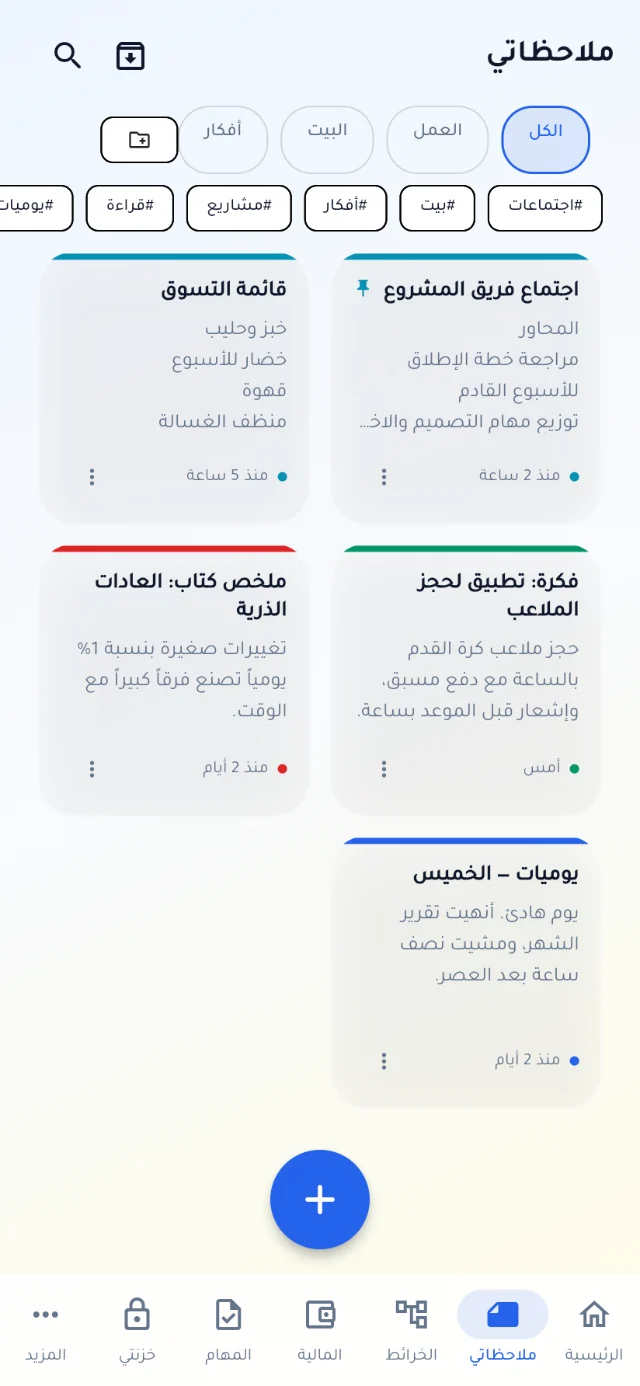
Real screens from Q NOTES on a phone. Scroll sideways to see more.
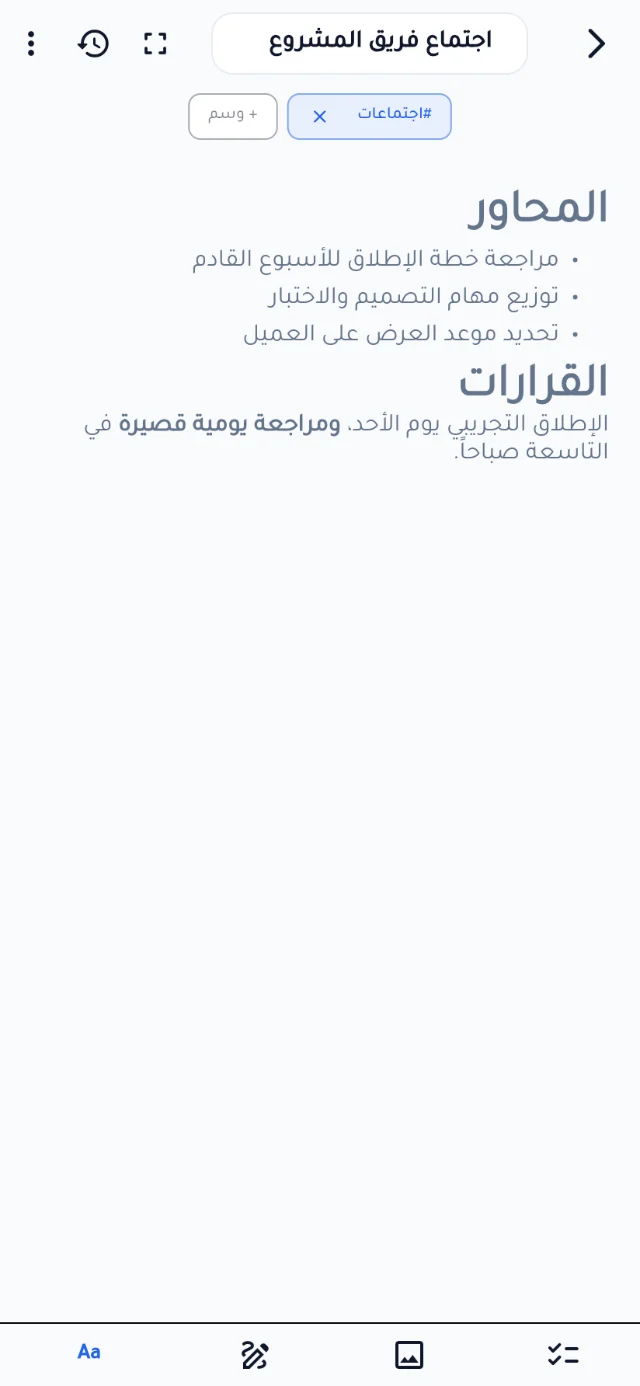
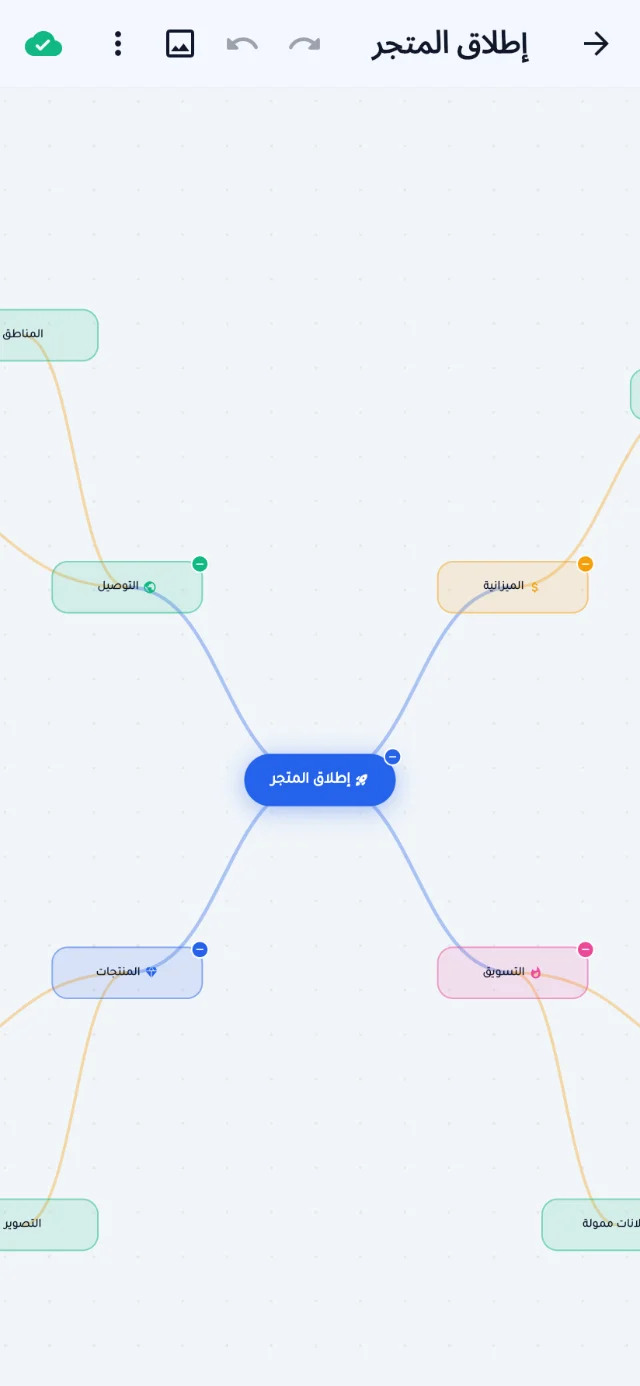
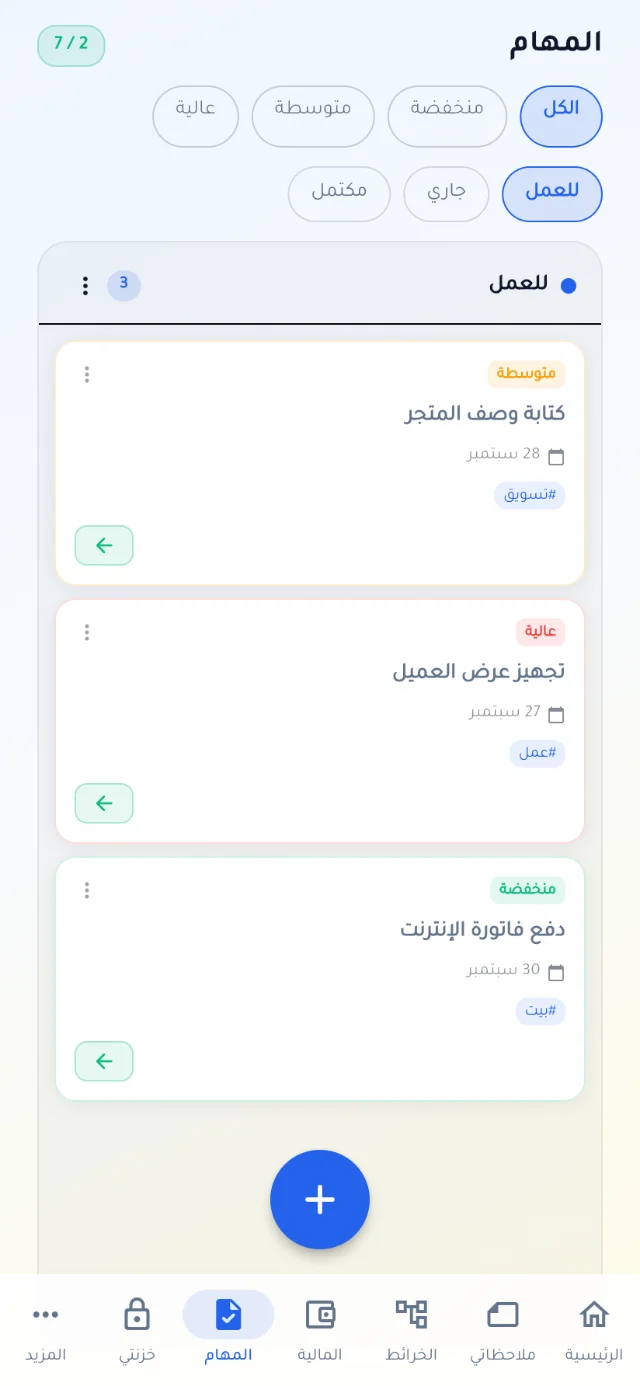
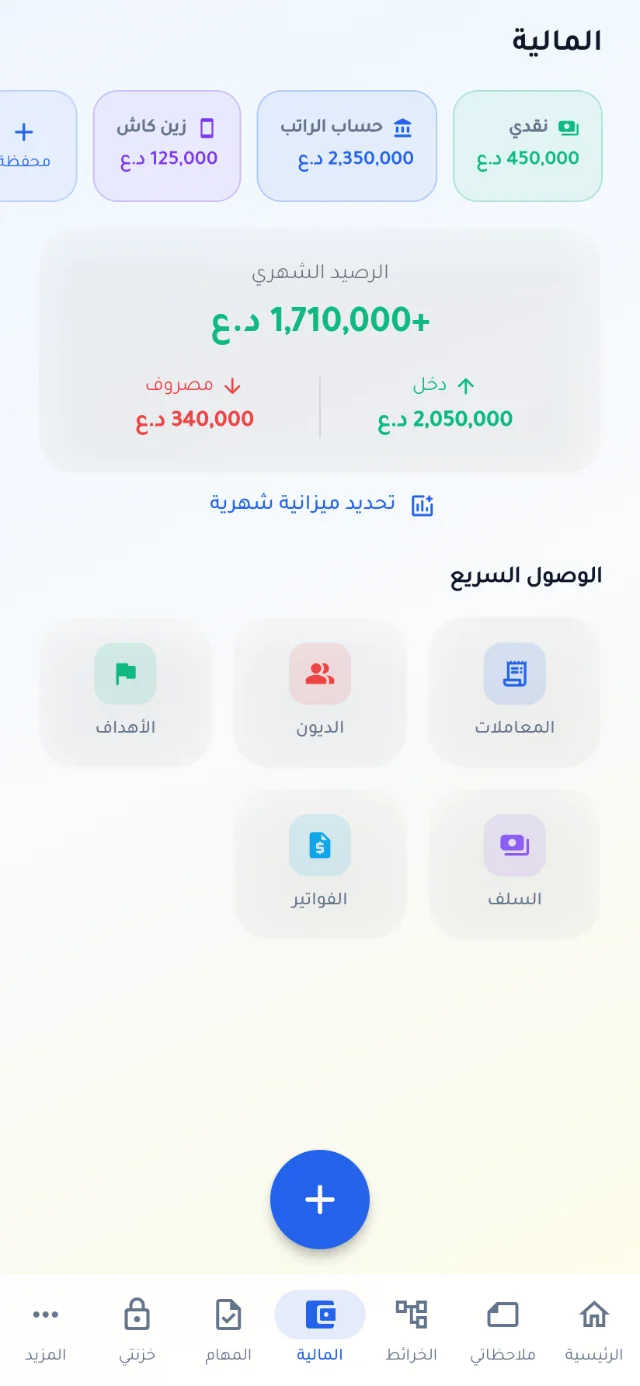
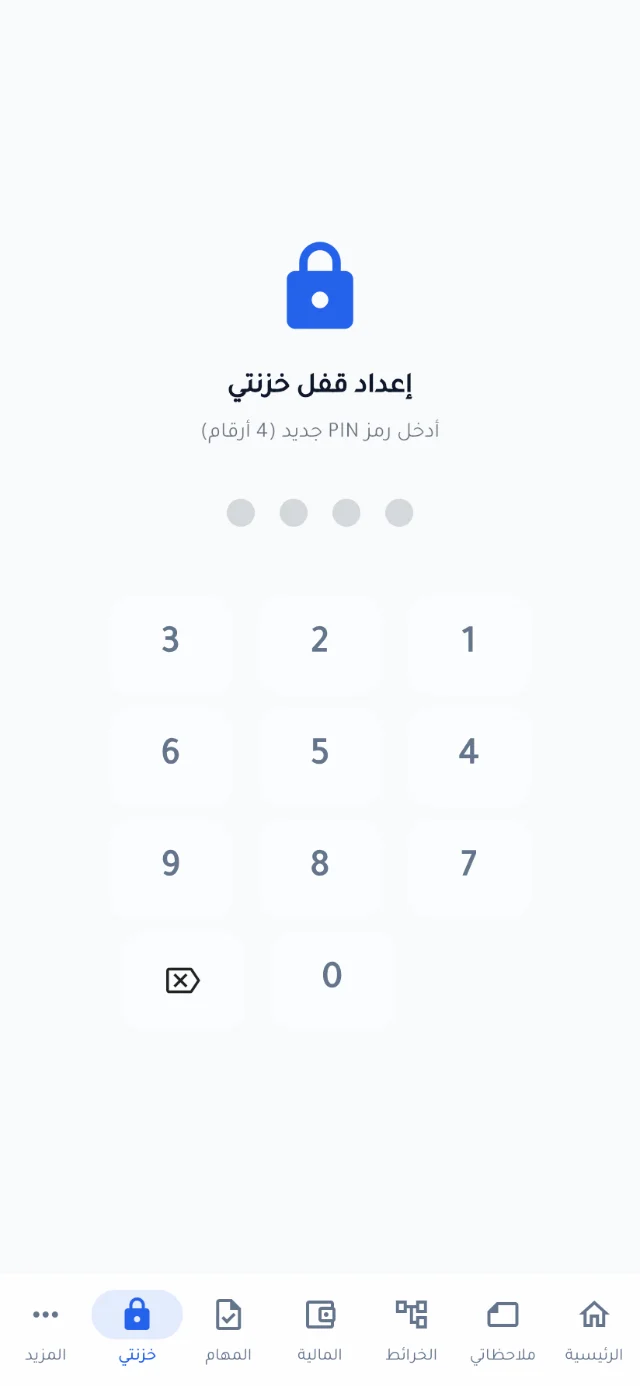
Five everyday tools that used to take five apps, in one place with one design.
Write freely. Organise precisely.
Turn scattered ideas into one clear map.
Everything under control.
Your money, organised.
Your secrets stay yours.
Your data stays on your device — that's not a policy, it's how the app is built.
Six languages built in, all working offline.
The app is not on Google Play yet, so you install it from the APK file directly. It takes a minute.
Tap “Download for Android” on your phone. The file is saved to Downloads.
Tap the Q NOTES file from the download notification or the Files app.
If you see “Install unknown apps”, tap Settings, turn on “Allow from this source” for your browser, then go back.
Tap Install. If Play Protect warns you, choose “Install anyway” — the app has not been scanned because it is outside the store.
SHA-256 fingerprint of the original file — if your file matches, it is the same file, unmodified:
a5538bc6fd04808e51660accc431465380e1cbe6edcfb059f9d7e1292961c845Yes, completely: no subscription, no ads and no required account.
No. Every feature works offline. The internet is used only if you choose to back up to Google Drive.
Sign in with Google in the app and turn on backup, then restore your data on the new phone.
Download the latest version from this page and install it over the old one — your data stays as it is.
Google Play is close, and iPhone and desktop versions are planned. Message us and we will tell you when they are out.